
How do I change my password?
If you sign in to KeywordsPeopleUse with your Google account, you never need to change a password with us. Your Google password controls access, and you manage that directly with Google.
If you have an account with an email address and password, change it like this:
1. Go to Settings
Click Settings at the bottom of the sidebar, or go to keywordspeopleuse.com/settings.
2. Fill in the Change Password form
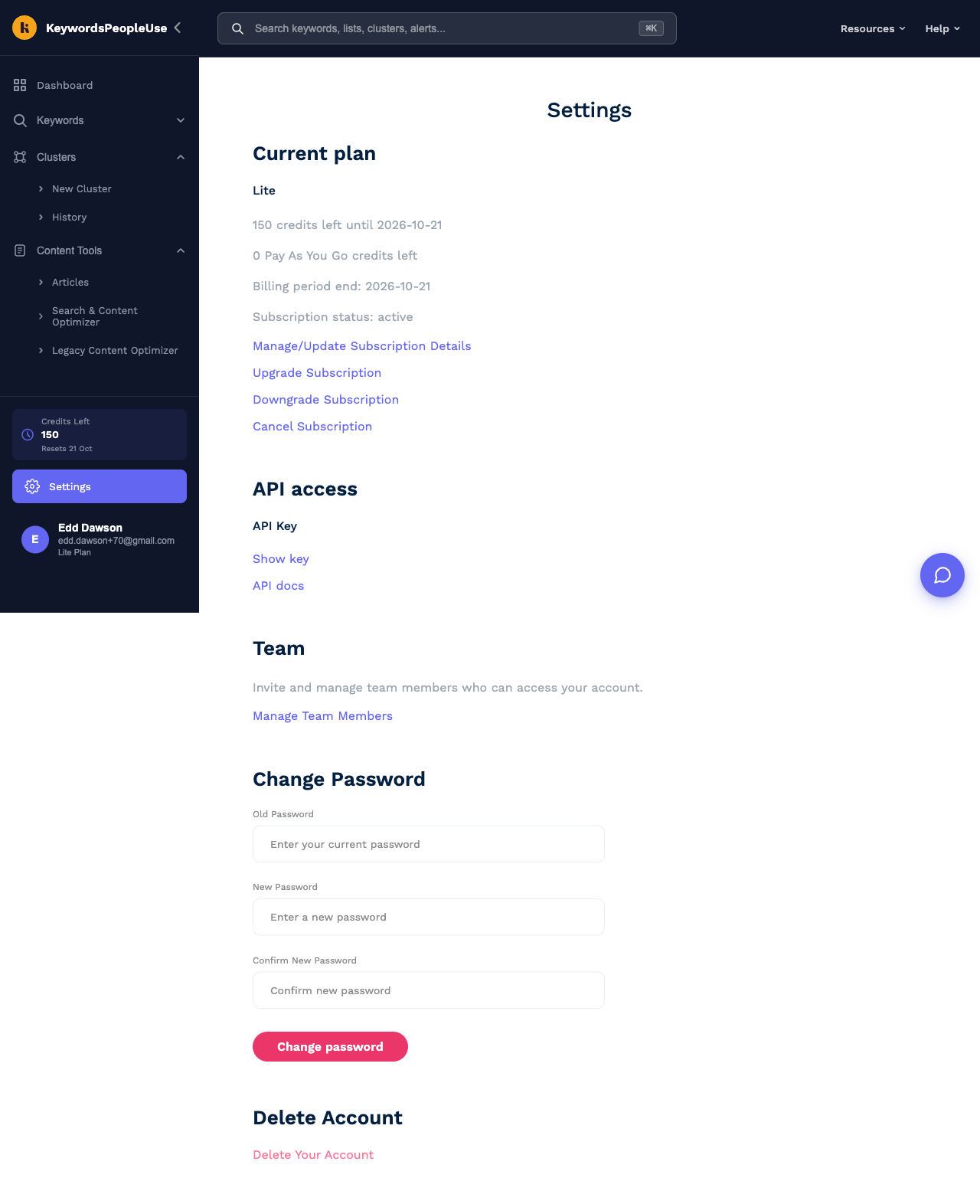
Scroll down to Change Password and enter:
- Old Password – your current password.
- New Password – the new one.
- Confirm New Password – the new one again.
Click Change password. The new password takes effect immediately; you stay logged in on this device.
If you cannot remember your current password
Use the reset process instead. See I've forgotten my password.
If you are a team member
Team members have their own login and change their own password the same way. The team owner cannot see or change it.