
The Settings page
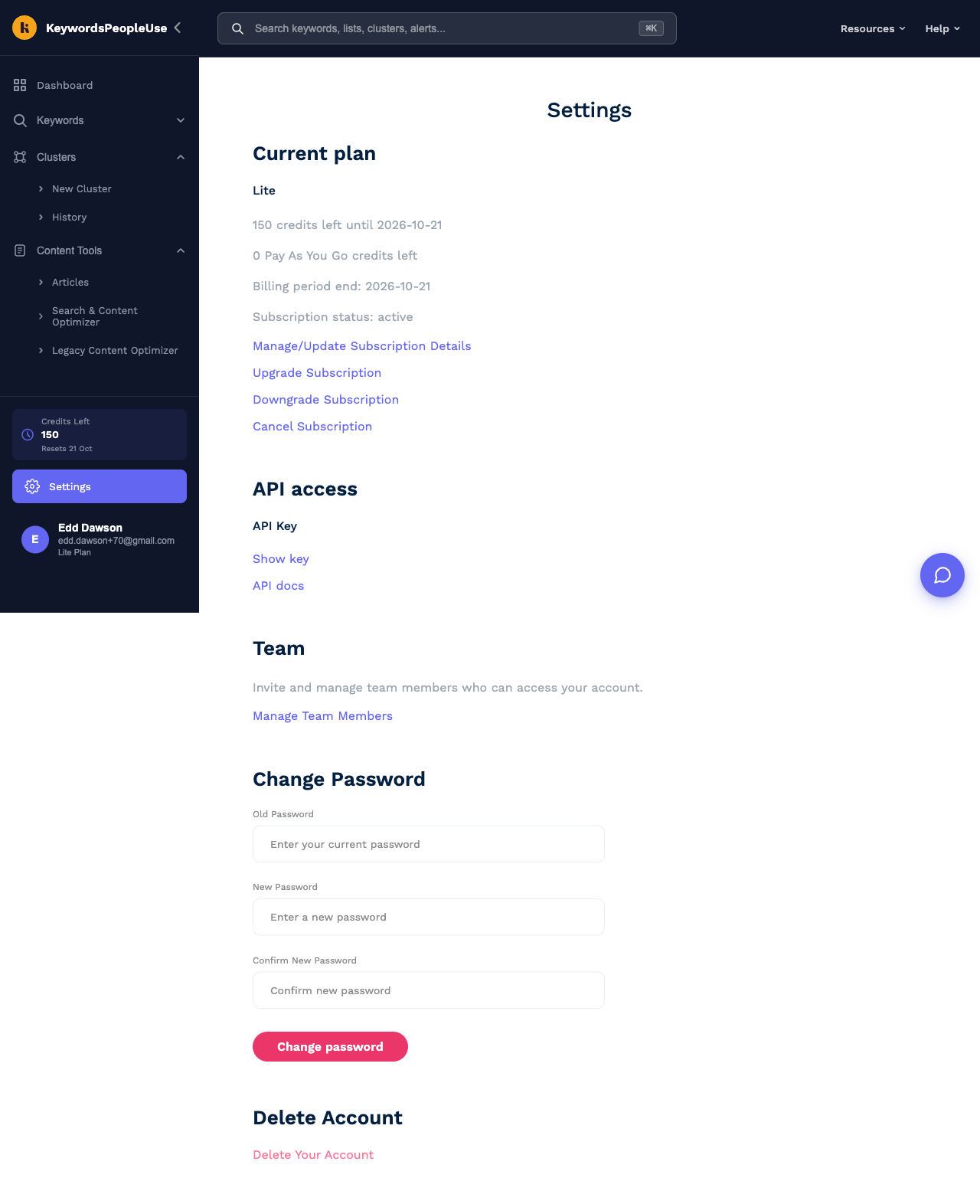
Settings, at the bottom of the sidebar, is where everything about your account lives. Here is what each section does.
Current plan
Shows your plan name, how many credits are left and when they reset, any Pay As You Go credits, your billing period end date and the subscription status. The links beneath it are:
- Manage/Update Subscription Details opens the secure Stripe billing portal where you can update your card, change your billing address, download invoices and switch between monthly and yearly billing.
- Upgrade Subscription takes you to the pricing page to pick a bigger plan.
- Downgrade Subscription opens the billing portal to pick a smaller plan.
- Cancel Subscription cancels at the end of the current billing period.
See Managing your subscription for details.
Content Optimizer paid slots
Only shown if you have bought extra site slots for the Search & Content Optimizer. Lists each site and the date its slot was enabled.
API access
Show key reveals your API key, with icons to copy it or rotate it. API docs opens the full API reference. See The API.
Team
Manage Team Members opens the Team page where you invite and remove colleagues. See Team members and shared accounts. This section is only shown to account owners on plans that include team sharing.
Change Password
Change your password here if you log in with an email address and password. See How do I change my password?
Delete Account
Permanently deletes the account and all of its data. See How do I delete my account?
Where Settings is hidden
If you have switched into a team you belong to, Settings disappears from the sidebar, because plan, billing and API settings belong to the team owner. Switch back to your own account from the account menu to see it.