
Google Autocomplete
As you type into Google it suggests popular searches that begin with what you have typed so far. Those suggestions are drawn from what people actually search for, which makes them a goldmine of real keyword phrasing.
The Google Autocomplete search collects the suggestions for your keyword, then repeats the process with a long list of modifiers added in front of or after it: question words such as "who", "what", "why" and "how", comparison words like "vs" and "or", prepositions like "for", "with" and "near", and the letters of the alphabet. The result is a complete picture of how people phrase searches around your term.
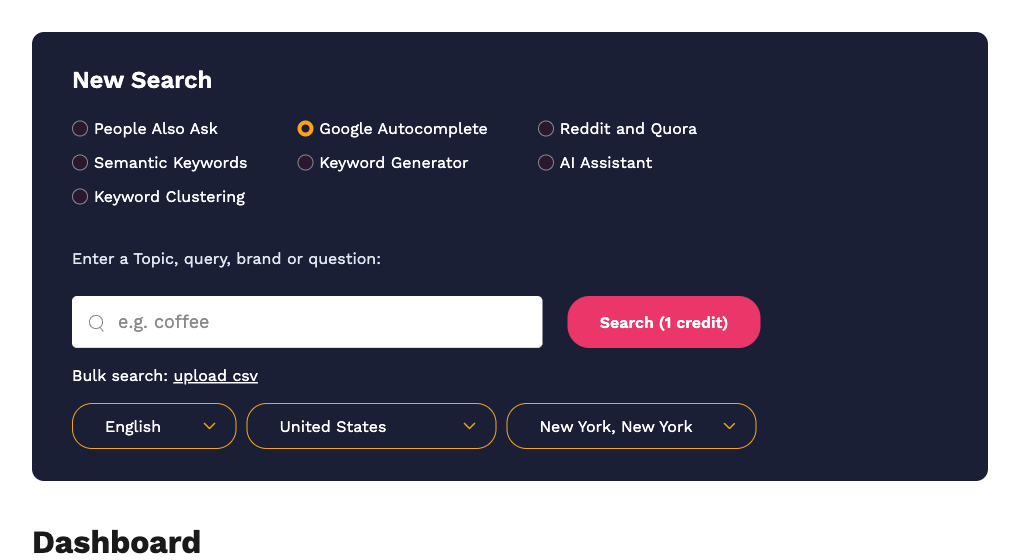
Running a search
- Select Google Autocomplete.
- Enter a keyword or short phrase. Autocomplete works best with one to three words, for example
cold brew coffee. - Choose the language and country. Autocomplete is available in 11 languages: English, Dutch, French, German, Greek, Hindi, Italian, Portuguese, Russian, Spanish and Turkish.
- Click Search (1 credit).
Reading the result
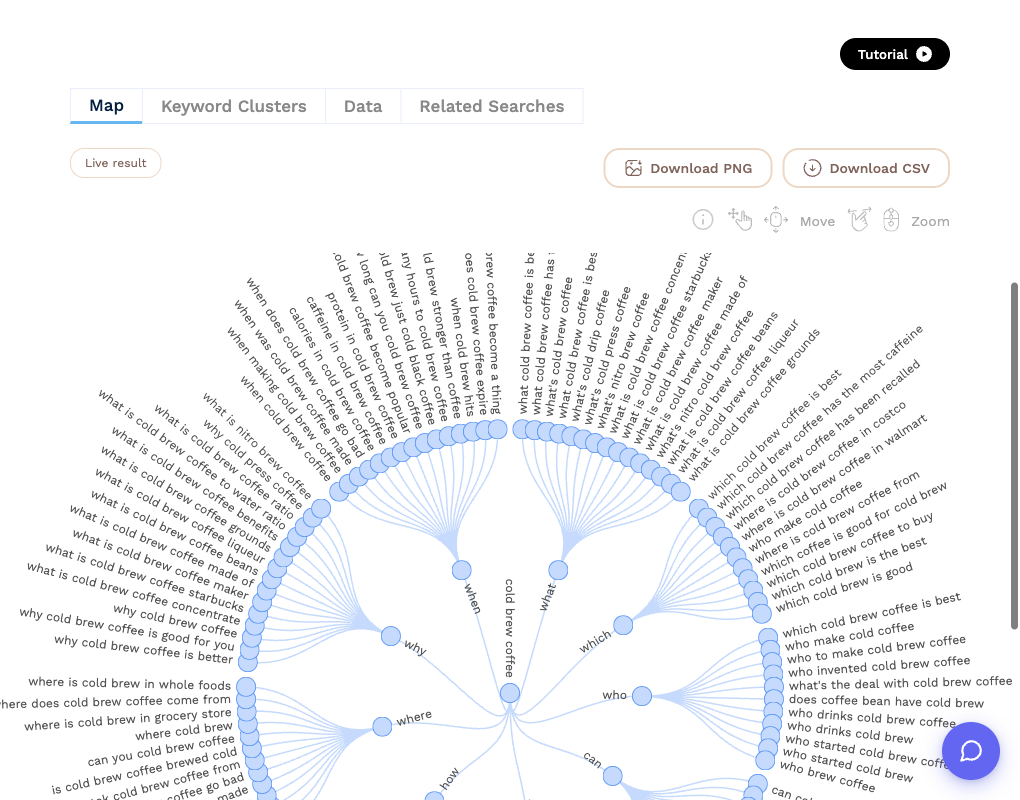
The Map tab shows your keyword in the centre with each modifier as a spoke and the suggestions Google returned for that modifier at the ends. The Data tab lists them grouped by modifier.
The CSV export has three columns: Query, Modifier and Suggestion.
What to do next
- Save the phrases you want to target with Add to keyword list.
- Click Create Search Alert to be emailed when new suggestions appear for the keyword.
- Open Keyword Clusters to group the suggestions by the pages that rank for them, which quickly shows which phrases can share one page and which need their own.
- Try the related Keyword Generator search, which mines Autocomplete one level further for long-tail ideas.